Skip to content

Official government website An official website of the Federal Government of Nigeria

How you know
Federal Ministry of Communications, Innovation & Digital Economy Nigerian Design Standards

WelcomeBarka da zuwa · Ẹ káàbọ̀ · Nnọọ

Build federal websites people can trust

The shared foundations, components and patterns for every Federal Government of Nigeria website, with a WordPress Kit to put them to work.

Start here

Get Started

What the system is, who it’s for and how to adopt it.
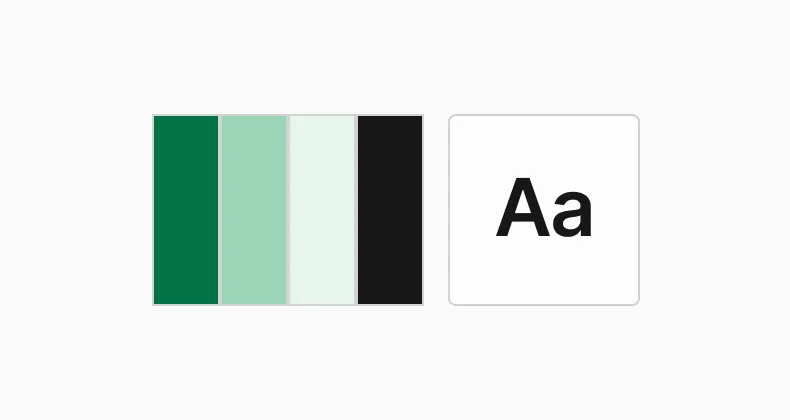
Foundations

Colour, type, spacing and icons. The base every component is built on.
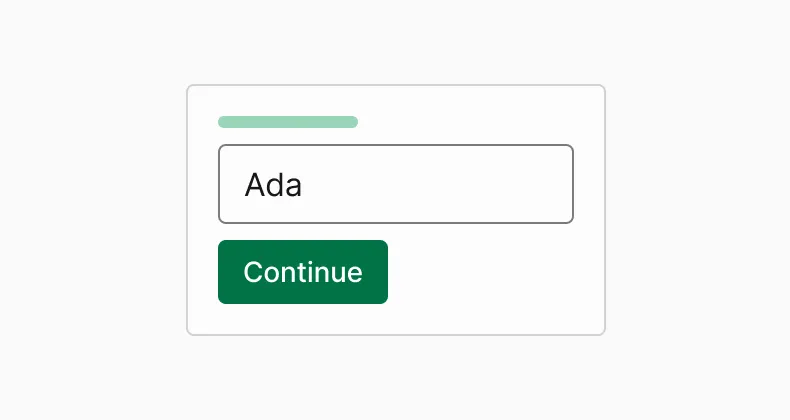
Components

Buttons, forms, mastheads and more, ready in Figma, HTML and WordPress.
Principles

The seven ideas behind every decision.

WordPress Kit

Install the theme and blocks, then check your site against the standard.

$ wp theme install nds --activate
$ wp plugin install nds-blocks --activate
$ wp nds check

✓ Accessibility ✓ Performance ✓ Masthead

Pick your path

Start where your work starts.

How it fits together

Each layer builds on the one before it. Change a foundation and every component follows.

  1. 01 Principles Why we make the choices we make
  2. 02 Foundations Colour, type, spacing, icons, the coat of arms
  3. 03 Components Button, text input, masthead, notification
  4. 04 Patterns Ask for a phone number, start a service, confirm a payment
  5. 05 Templates Whole pages for ministries, agencies and services
  6. 06 WordPress Kit All of the above as a theme and blocks

What’s new

  • 1.0.0 First stable release: masthead lockups, language switcher, notification.
  • 0.9.0 Beta: text input, error summary, WordPress blocks.
  • 0.8.0 Foundations: colour, type and icons.